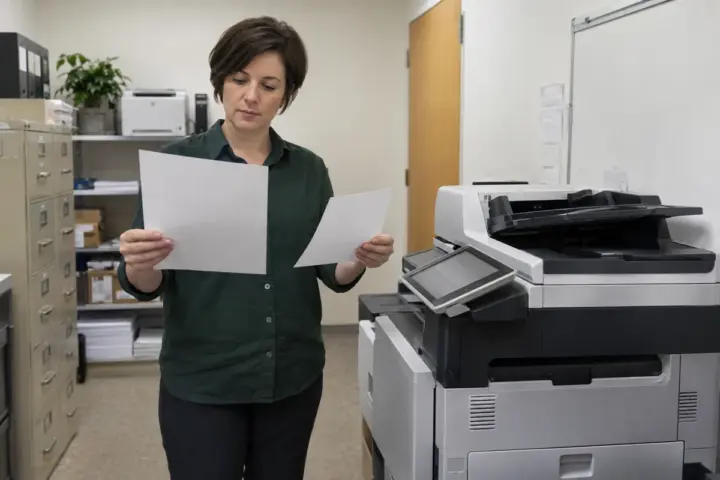

Copier speed is easy to compare because it is expressed as pages per minute. It is also easy to overvalue. A fast engine with a slow scanner, undersized document feeder or frequent paper interruptions can be a poor fit for the people using it.
The right approach is to observe the work. Before comparing models from established copier brands, measure monthly pages, the busiest periods, scan-batch size, color mix and finishing requirements.
Pages per minute is a rated engine speed
Rated PPM describes output under defined conditions. It does not fully represent warm-up, first-page time, processing a complex file, switching paper sizes, duplexing or stapling. Those delays may matter more than raw engine speed when users send many short jobs.
Start with peak demand
Monthly volume alone can hide congestion. An office producing 20,000 pages evenly is different from one producing most of them during payroll, board meetings or weekly case preparation. Watch the copy area during the busiest 15 to 30 minutes. Note queues, abandoned jobs, refills and work moved to other devices.

Scanning can be the real bottleneck
Many organizations scan more than they copy. Review single-pass duplex scanning, feeder capacity, supported paper conditions and the destination workflow. A machine that prints quickly but requires repeated small scan batches can waste staff time every day.
Paper capacity affects effective speed
A fast copier stops being fast when employees repeatedly load paper. Count the sizes and types used: letter, legal, ledger, labels, envelopes, colored stock or preprinted forms. Configure enough capacity for normal peaks, but avoid buying trays that will sit unused.
Finishing changes throughput
Stapling, hole punching, folding and booklet making can eliminate manual work even when the engine speed is modest. Ask employees what happens after pages leave the machine. Ten minutes saved at the copier may prevent an hour of sorting and stapling.
Place devices around the work
One high-speed centralized copier is not always better than a balanced group of devices. Walking distance, confidentiality, department schedules and downtime exposure matter. A main multifunction copier supported by a smaller local printer may provide better continuity than one oversized machine.
Leave practical capacity without oversizing
A device should handle foreseeable growth and seasonal peaks, but excessive speed adds cost without fixing poor workflow. Focus on a comfortable operating range, not the maximum number in a brochure. An experienced dealer should be able to explain why a proposed class fits the measured demand.
Questions to take into a comparison
- What are our average and busiest-month page counts?
- How many users share the device during peak periods?
- What is the largest routine scan batch?
- How often do we use color, legal or ledger paper?
- Which finishing steps are performed by hand?
- What happens to work when the copier is unavailable?
Use those answers when requesting matched office copier proposals. Comparable requirements produce more meaningful pricing than asking each dealer to guess.
Frequently asked questions
Is a higher-PPM copier always more productive?
No. Productivity also depends on first-page time, scanning, paper capacity, finishing, file processing, reliability and user workflow.
How much extra speed should an office buy for growth?
Allow reasonable headroom based on documented growth and peak demand. Avoid paying for a much higher class solely as vague “future proofing.”
What if departments have different needs?
Map each workflow. A finance team, design group and warehouse office may need different color, media, security and scanning capabilities even at similar monthly volumes.
Should we test a copier before choosing it?
Yes when workflow is complex. Test representative files, scan batches and finishing tasks—not only a single clean demo page.