
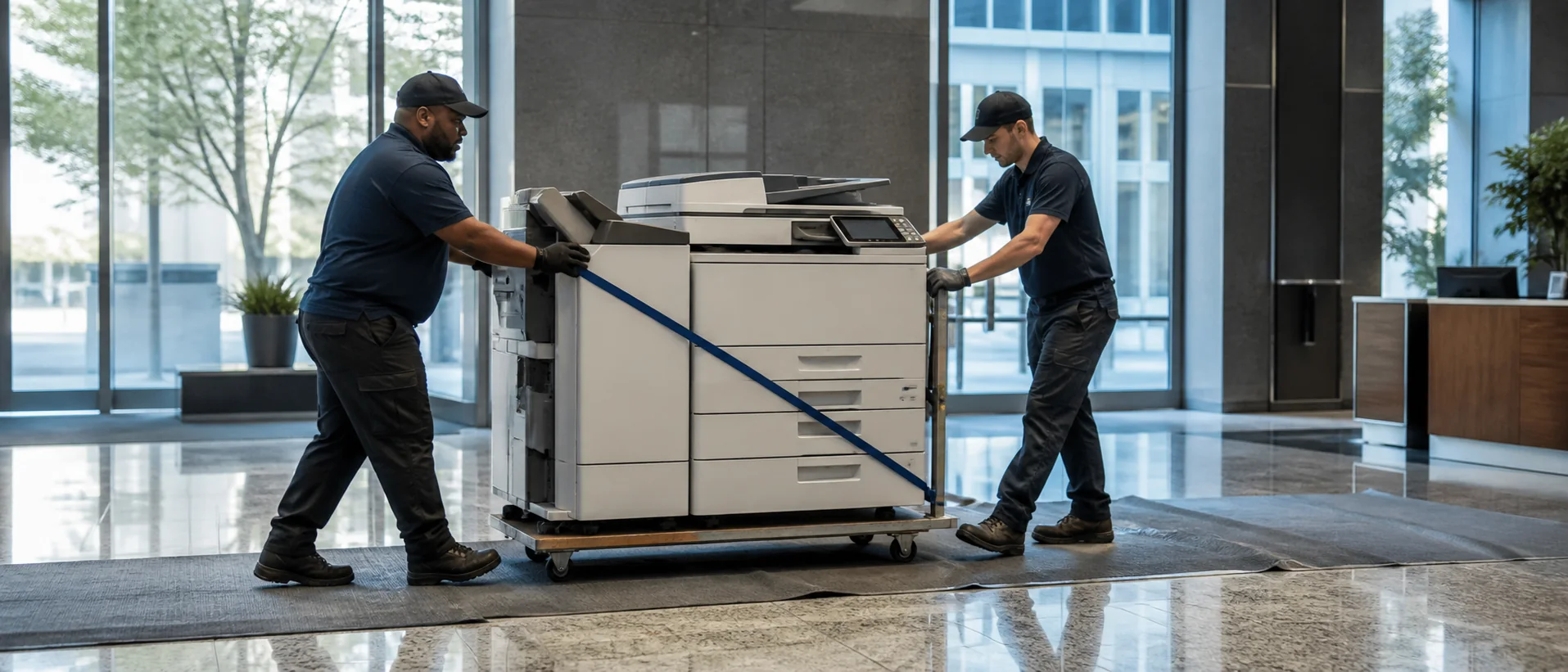
Mobile copiers for sale should be quoted with the service, scanning and paper-handling features the workplace will actually use. Mobile’s mix of maritime, logistics, manufacturing, healthcare and professional offices creates demand ranging from routine administration to shipping documents, compliance records and deadline-driven operations. A useful comparison keeps the equipment configuration constant and makes the local support plan visible.
Match a Mobile copier dealer to the office workflow
Collect recent meter counts, color usage, service calls and toner purchases, then list the jobs employees struggle to complete. Shipping and operations teams may need dependable scanning and rapid retrieval, while healthcare or legal users may emphasize confidentiality and accurate multi-page capture. Include peak periods, unusual paper sizes, labels, envelopes and required finishing. That detail prevents an undersized device from looking attractive simply because its base price is lower.
Ask each Mobile dealer to state the precise model, feeder, drawers, finisher and licensed software. Use how many pages per minute an office needs to balance speed with realistic job patterns. Demonstrate scanning and printing with representative files, and note every manual intervention required to finish the task.
Compare Mobile copier leasing, purchase price and page charges
A complete proposal separates the equipment price from financing and service. Request the cash price, lease term, total payments, included pages, black-and-white and color overages, annual increases, delivery, installation and training. For leased equipment, identify renewal notice, return freight, buyout and storage-sanitization duties. The office copier prices guide gives Mobile buyers a consistent way to review those lines.
Cost per page is useful only when the allowance resembles actual use. Ask how unused pages, overages, toner shipping and unusually high color coverage are handled. Read how copier cost per page works before comparing service plans. An honest total-cost view should explain both a normal month and the office’s busiest season.
Plan reliable copier service for Mobile operations
A busy office needs more than an initial delivery date. The quote should assign network preparation, driver installation, scan destinations, address books, user training and acceptance testing. IT should confirm authentication, encryption, firmware responsibility and administrator controls. Buyers can compare Canon office copiers with other major brands, but the exact configured model and provider’s implementation ability should decide the shortlist.
Ask where Mobile technicians and common parts are based, how an emergency call is prioritized and who can approve a loaner or replacement after repeated failures. Offices connected to warehouses, port activity or multiple Gulf Coast locations should list each service address and access requirement. Review usage and ticket history soon after installation so paper settings, scan workflows and supply routines can be corrected before they become permanent frustrations.
Request a complete local copier proposal.
Compare the same equipment, workflow and service requirement.