
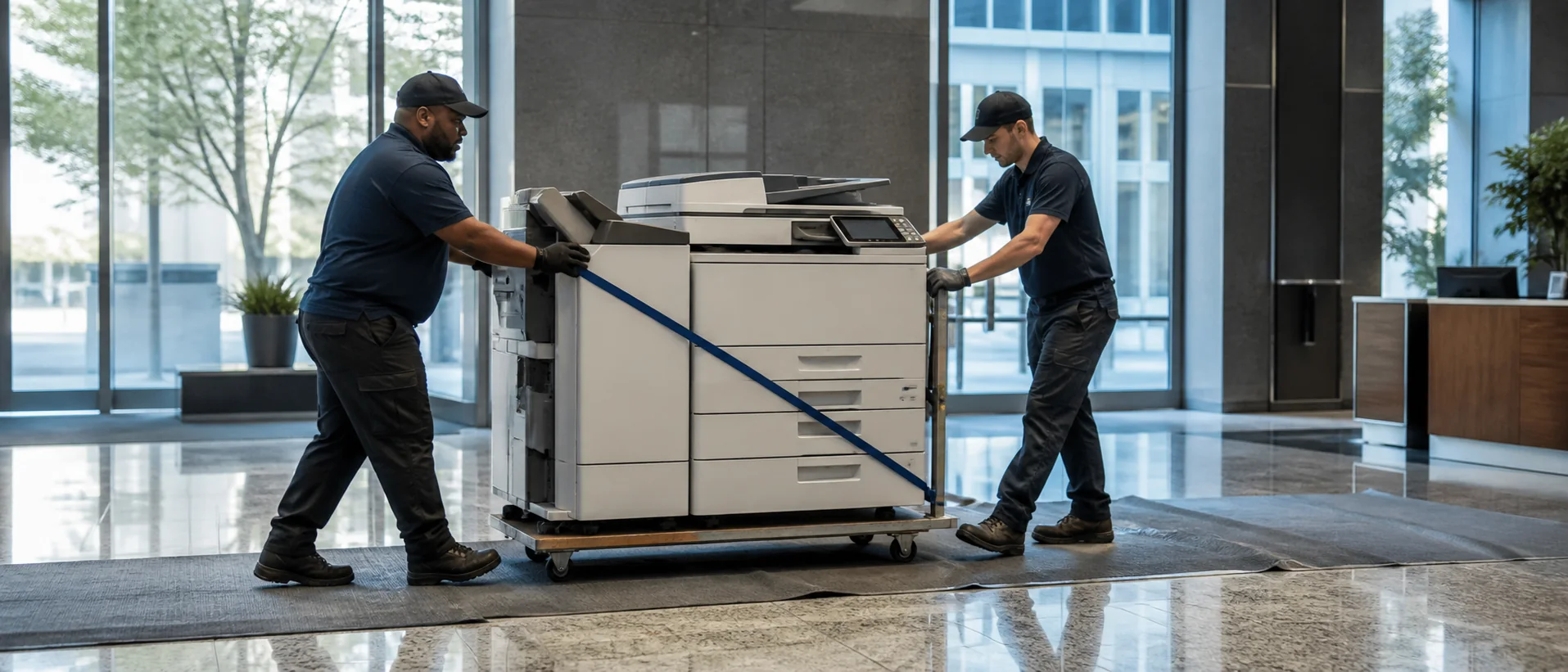
El Monte office copier dealer proposals should be built around the records, customer documents and operating schedules of this San Gabriel Valley workplace. El Monte combines public offices, healthcare and education organizations, neighborhood businesses, professional services, wholesalers and light-industrial operations. A useful comparison identifies what each team prints and scans, prices every required accessory and shows who will support the equipment locally after installation.
Define an El Monte copier around real office work
Start with meter readings, service tickets and samples from administration, accounting, customer service and operations. Record legal-size forms, bilingual material, long scan batches, checks, labels and confidential pages. Include jobs moved to desktop printers or outside vendors because the current device cannot finish them reliably.
Use the office copier sizing guide to connect those jobs with feeder capacity, paper supply and peak-hour speed. Require the exact base model, controller, trays, finisher and software. An El Monte demonstration should use the office’s ordinary originals and intended scan destinations, not a dealer-prepared sample.
Shared workplaces should map user groups and access rules before consolidating devices. Secure print may matter for payroll or client records, while counter staff need quick forms with very few steps. Test how a new user is enrolled, how department defaults are applied and how an administrator removes access when a role changes.
Compare El Monte copier prices without hidden omissions
Request cash price, total lease payments, service base, included pages, overages, delivery, network setup and training as separate lines. Add software licenses, annual increases, property tax and return obligations. The commercial copier price guide helps expose a low payment that excludes a necessary feeder or realistic page allowance.
Compare lease and purchase choices over the same expected life and workload. Ask whether pages are pooled across nearby offices and how oversized or color pages are counted. Keep a sample invoice beside the equipment schedule so finance can trace each charge to a signed agreement.
Assign responsibility for renewal notices, buyout requests and return freight when the contract begins. A small administrative step at approval can prevent a copier from rolling into an unwanted extension years later.
Verify secure workflows and San Gabriel Valley response
IT should test OCR, mixed-size originals, secure release and every approved file destination. Review storage encryption, firmware, administrator roles and data removal. The copier security checklist gives the team a practical review before network acceptance.
Ask which technicians cover El Monte, where common parts are held and who owns a repeated fault. References should explain what happened after a difficult scan or network problem, not merely say service was friendly. Name delivery, driver installation, destination setup and user-training owners.
Review meters, tickets and user feedback after the first full billing cycle. That checkpoint should find unnecessary color, abandoned queues or missing training while the provider can still correct the setup.
Request an El Monte copier quote on one complete scope.
Compare one complete equipment, workflow and service requirement.