
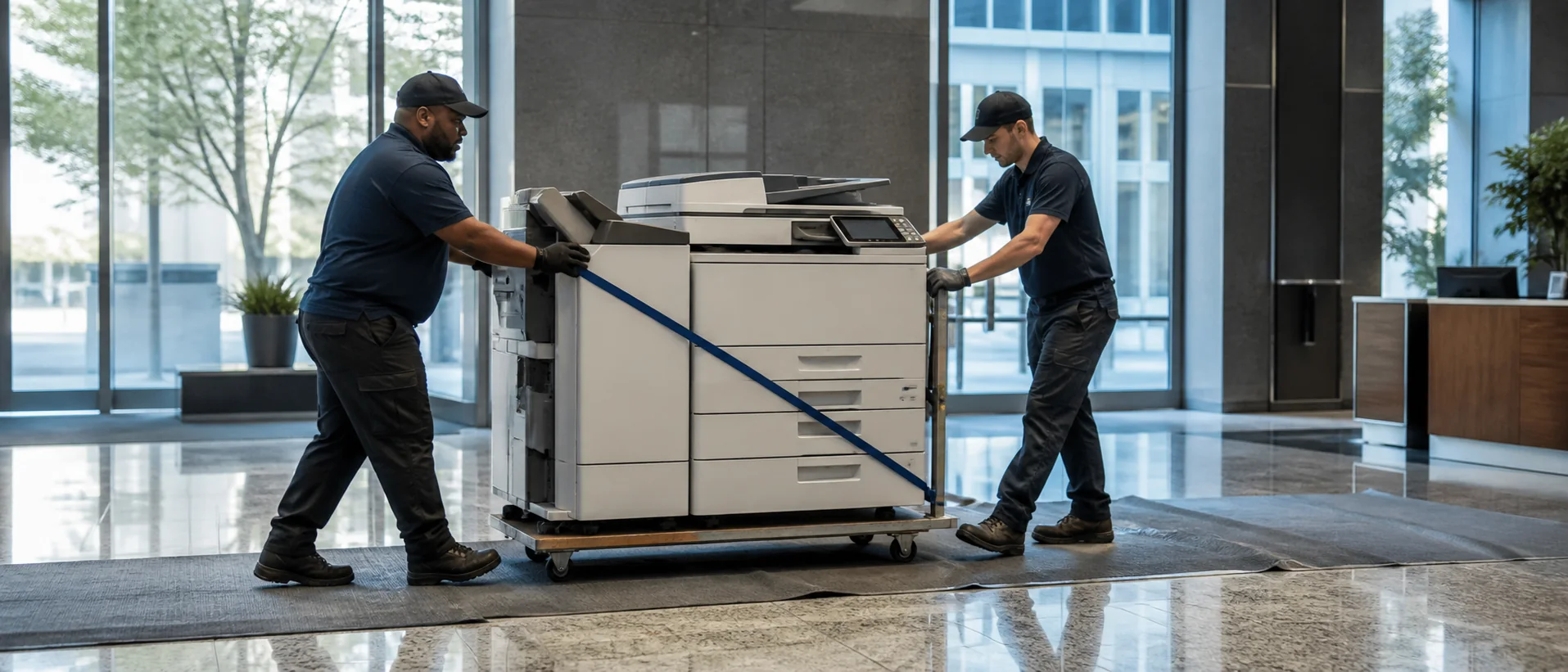
Oakland office copier dealer proposals should fit an economy that includes healthcare, construction, transportation and logistics, creative businesses, climate technology, professional services, public agencies, education and neighborhood enterprises. These teams may need secure records, port-related documents, design color or community-facing forms. The strongest comparison gives every provider the same real workload and requires a clear East Bay implementation and service answer.
Define Oakland copier needs across offices and industries
Review meters and tickets from clinical, logistics, professional, creative, construction and public-service teams. Include contracts, plans, shipping records, mixed-size scans, confidential pages, community forms and color material. Count time spent correcting files or walking to another device.
The A3 and A4 copier guide helps determine whether plans, large originals and finishing justify a full-size platform. Require exact accessories, controller and software. Test actual files and approved destinations, not a generic brochure workflow.
A downtown office, port-related operation and neighborhood organization may not need the same machine. Define each site’s purpose, peak workload and acceptable outage, then decide which settings and models should remain consistent across the account.
Compare Oakland copier costs without hiding local differences
Request equipment price, lease total, service minimum, included pages, overages, software, delivery and training separately. Add building access, annual increases, taxes, data removal and return freight. The office copier pricing guide normalizes bundled proposals.
Ask whether pages are pooled and whether each Oakland or East Bay address receives the same service terms. Model routine and project-heavy months. Compare purchase and lease over the realistic equipment life.
Require sample invoices by device and site. Consolidated billing should simplify review without making an inefficient machine or different overage rate impossible to see.
Use that detail during each quarterly fleet review.
Verify Oakland security, building access and escalation
IT should test secure release, OCR, identity integration and approved destinations. Review encryption, firmware, audit controls and sanitization. The commercial copier security checklist creates a consistent standard.
Ask which technicians and parts support each address and how high-rise, port or controlled-building access affects response. Define ownership when a fault crosses hardware, network and document software.
References should explain a difficult recovery in a comparable environment. Ask when users could complete the original task and who stayed accountable until the issue stopped recurring.
Review pages, successful scans, tickets and employee workarounds after sixty days. Preserve final settings and corrections so the next site or replacement begins with evidence.
For community-facing and multilingual offices, test the ordinary forms and fonts that employees handle every day. Searchable text, page orientation and file naming should remain accurate without repeated correction. A successful demonstration should include the less polished originals that cause real problems, not only clean dealer samples.
Facilities and a daily user should join IT for final acceptance. Together they can confirm placement, access, security and task completion under normal conditions.
Request Oakland copier pricing on one measurable requirement.
Compare one complete equipment, workflow and service requirement.