
Roseville office copier dealer proposals should match a growing Sacramento-area economy built around healthcare, public administration, finance and real estate, construction, professional and technical services, retail, hospitality and regional employers. A medical or government office may prioritize secure records, while a construction or financial team may rely on large originals and fast document retrieval. The quote should preserve those differences while normalizing equipment and cost.
Define Roseville copier performance by team and document
Gather meters, tickets and representative files from healthcare, public, financial, technical, construction and customer teams. Include patient or client records, plan sets, contracts, invoices, mixed-size scans, color material and secure human-resources pages. Track desktop printing and outside production because that hidden work may change the required device class.
The office copier sizing guide helps connect page volume, long scan batches and larger paper to the right configuration. Require the exact model, feeder, drawers, controller, finisher and software. Demonstrate normal originals through their intended folder, email or line-of-business destination.
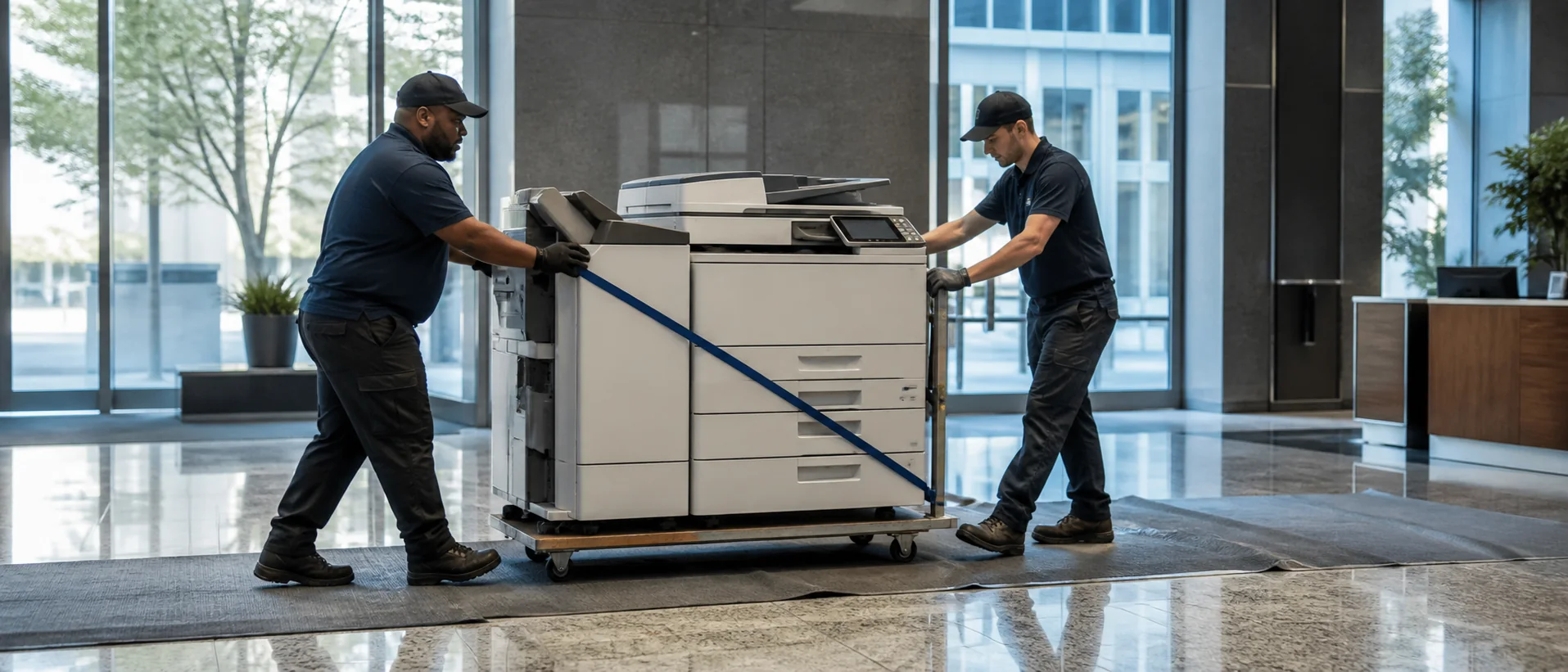
Medical campuses, civic facilities, retail centers and construction offices have different installation access and operating hours. Facilities should verify delivery path, power and placement; IT should verify network and user roles. Ask daily users to complete the final test rather than accepting a salesperson’s ideal demonstration.
Compare Roseville copier leasing, purchase and page costs
Request equipment price, lease total, service base, page allowance, overages, software, delivery, training and network work separately. Add annual increases, taxes, data removal and return freight. The commercial copier pricing guide keeps an inexpensive base machine from hiding the cost of required accessories or subscriptions.
Model ordinary demand and health, tax, construction-bid or year-end peaks. Ask whether pages can be pooled across Roseville and Sacramento-area offices and whether color or large sheets use a different count. Compare purchase and lease over one useful life with the same maintenance and workflow assumptions.
Require an invoice example showing each asset and location. Keep it with serial numbers, the accepted configuration and contract notice dates. Review actual meter and service data quarterly so an oversized, underused or unreliable device becomes visible before renewal.
Protect Roseville records and verify regional response
IT should test secure release, authentication, OCR and approved destinations. Review encryption, firmware, administrator rights, logs and end-of-life sanitization. The office copier security checklist helps healthcare, financial and public teams document the same controls.
Ask which technicians serve Roseville, where common parts are held and how repeated problems are escalated. Define an alternate device for patient, customer, payroll or bid documents. The continuity plan should name the access contact, approved destination and person authorized to change a secure workflow.
Request references with similar hours and records. Ask how long the complete workflow was unavailable, not only when the first visit occurred. After implementation, compare successful scans, service tickets and user workarounds with the original scope, then preserve known-good test files for firmware or driver changes.
Compare Roseville copier prices on the work people actually do.
Compare one complete equipment, workflow and service requirement.