
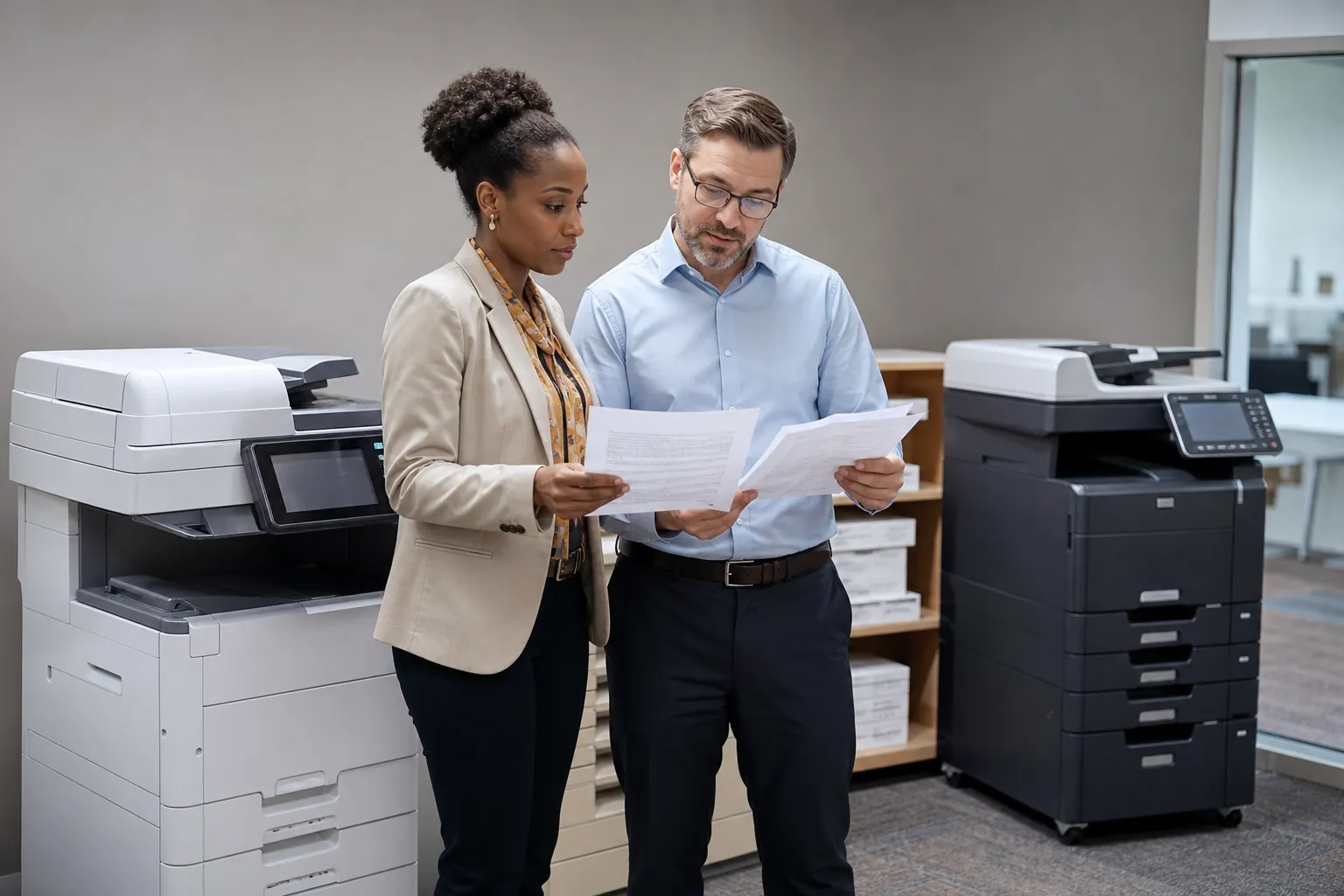
How do integrated scanning solutions improve office copier functionality?
Integrated scanning turns a copier into a controlled document-entry point. It can capture both sides of a packet, create searchable files, apply names or metadata and send records directly to approved folders, email, cloud systems or business applications.
Office Copier Scanning Integration
Use a real packet to test feeder reliability, mixed sizes, orientation, blank-page removal, OCR and destination accuracy. A useful integration should reduce manual renaming, retyping and misplaced attachments while preserving authentication and access controls. Verify how errors are reported and how a failed job is recovered.
Ask whether the connector, OCR or routing feature needs another server or subscription and who maintains credentials and certificates. Compare scanning on the exact configured machine, not a family brochure. The Office Copier Buyer’s Guide helps document requirements before requesting multifunction copier prices.
Compare Office Copier Purchase and Lease Prices
Get office copier quotes for the features, printing volume and local dealer support your business needs.