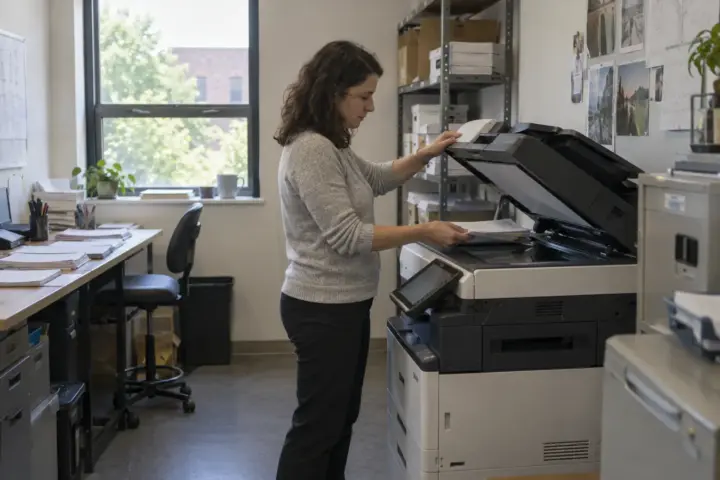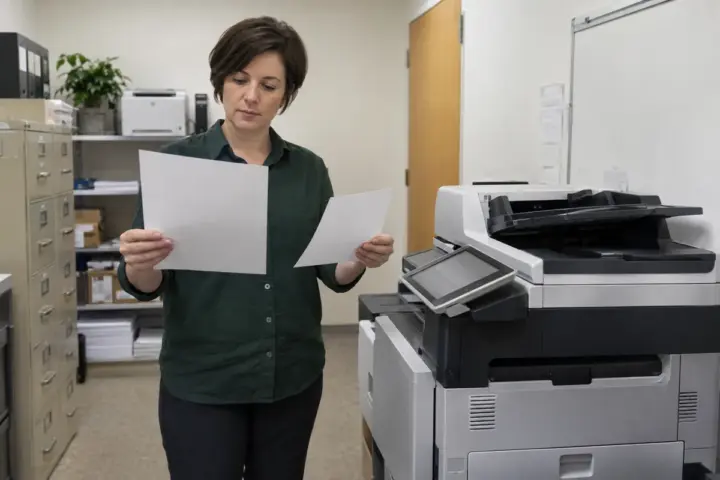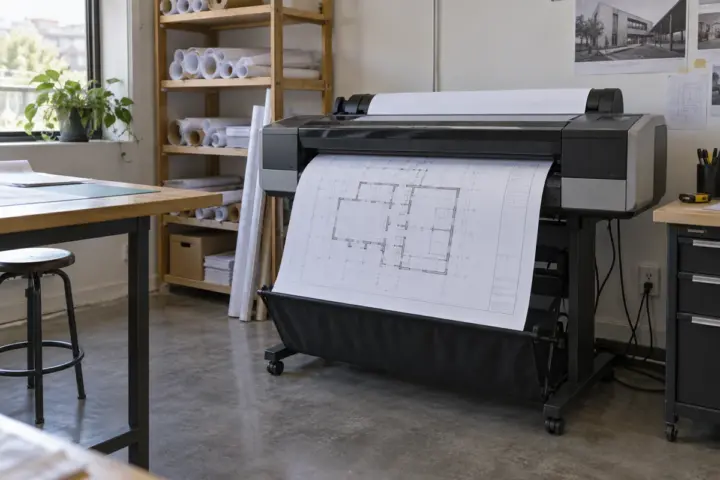
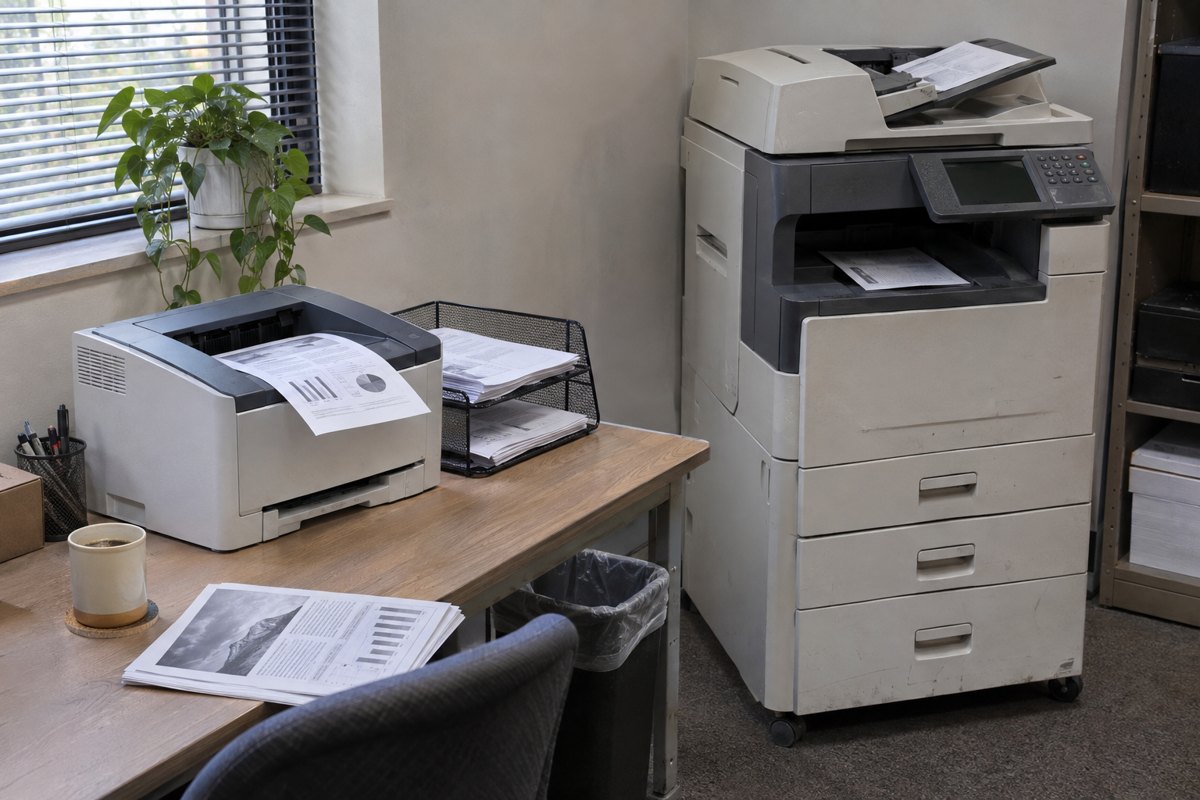
A laser printer can suit a focused printing job, while an office multifunction copier can combine higher-volume printing, scanning and copying in one shared device. The right laser printer vs office copier comparison depends on the work people do, the support arrangement and the full operating cost. See current office copier prices.
The labels overlap: many office copiers use laser printing technology, and some desktop laser printers include scanning and copying. Compare actual capabilities and service terms instead of assuming the word ‘copier’ guarantees a particular size or duty. Start with your page counts and the document tasks staff perform each week.
Count the jobs that interrupt work
A small device may be enough for short reports near one team. A shared copier may make more sense when several people need multipage scanning, larger paper or finishing. List those requirements before comparing models, and identify which are essential rather than occasional conveniences.
Our copier speed guide explains why peak demand matters alongside average pages. Test a realistic job instead of timing a single page. If the main issue is repeated trips to a distant shared device, another desktop unit may help; if staff constantly reload paper or split scanning jobs, a larger configuration may solve more.
Compare supplies and service responsibility
Ask what happens when the equipment needs attention. Some arrangements leave your staff to buy supplies and manage repairs; others include defined supplies and service in an agreement. Neither is automatically cheaper. Compare the actual work and costs at your forecast volume.
The copier cost per page guide helps you distinguish supply calculations from service charges. Our service contract checklist covers included parts, labor and exclusions. Don’t assume a low equipment price produces a low annual total when replacement cartridges, time and support sit outside the proposal.
Match scanning and access to the users
Try a multipage scan, a two-sided copy and any larger-paper job your team routinely needs. Check document-feeder capacity and the required destinations. A desktop multifunction printer may be entirely adequate for a small packet, while heavier shared workflows may justify a different device and support package.
Apply the printer security checklist to both options. A small network printer still needs appropriate access, updates and end-of-use handling. Use buy versus lease guidance when comparing ownership arrangements, but keep the hardware decision separate from the payment method so neither hides the other.
Send the same sample jobs and annual page forecast to each supplier. Compare office printing equipment prices over a common period, including service and supplies. Choose the combination that removes real bottlenecks without paying for capacity, paper sizes or finishing your team won’t use.