
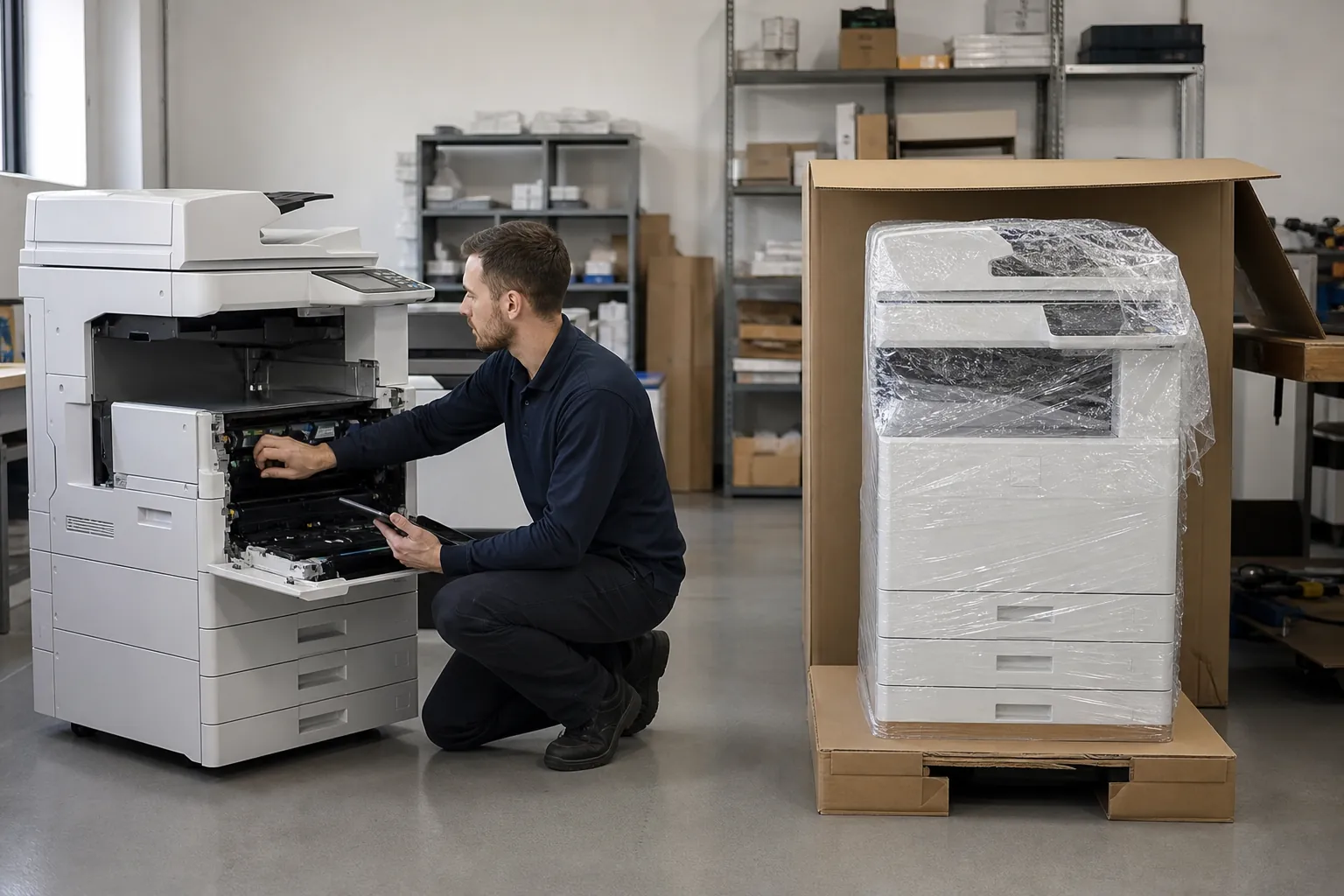
Office copier features

Office Copier FAQ: What are the advantages of multifunction commercial office copiers

Office team evaluating copier equipment and document workflow
Direct answer

What are the advantages of multifunction commercial office copiers

Prioritize automatic duplexing, a suitable document feeder, scan destinations, paper capacity, user authentication, secure print and remote administration. Add finishing, fax, large paper, touchscreen workflow apps or cloud connectors only where a documented process justifies them.

Use this answer to define the requirement, expose meaningful differences among proposals and verify the equipment, service or contract term that supports each claim.

Match copier features to recurring office work

List the jobs the office performs every week: scanning packets, printing proposals, producing stapled sets, handling forms or routing documents. Record page size, job length and destination. This turns a feature checklist into an operational specification.

Turn this copier question into a written requirement

Write the answer into the request for proposal, including the measurement or contract term that proves it. Ask every provider to identify the exact option, setting, service obligation or workflow assumption behind the recommendation. Keep the response with the configuration sheet for installation and future account reviews.

Compare complete proposals

Price the equipment around one clear workload.

Give providers the same volume, paper, scanning, finishing and service brief.

Get Copier Prices

Make training part of the solution

Identify the few settings and workflows employees must understand, then require role-appropriate training and a short reference. Train an internal administrator separately. Revisit adoption after thirty days; a feature that users bypass with email, desktop printers or manual steps is not delivering the value used to justify it.

Normalize the quotes before comparing price

Put every proposal into the same table: equipment, accessories, term, service, pages, overages, software, setup, annual increases and end obligations. Mark substitutions and assumptions. This prevents a provider from winning on a lower headline number created by leaving a required component outside the comparison.

Check the provider behind the copier configuration

Ask how the dealer installs this requirement, trains users, stocks parts and handles repeated problems. Compare response territory, escalation and continuity rather than accepting a general service promise. The exact hardware matters, but the provider determines whether its capabilities remain available during daily work.

Connect this answer to the complete copier decision

Research what are the advantages of multifunction commercial office copiers alongside the office copier prices guide, copier lease versus buy comparison, Office Copier Buyer’s Guide, current copier brand guide and local copier pricing directory. Use the office copier answer library for narrower contract and feature questions, then carry one consistent requirement into the copier quote request.

2026 copier comparison checklist
  • Duplex print and scan
  • Document feeder capacity and speed
  • Paper sizes and installed trays
  • Scan destinations and file formats
  • Authentication and secure release
  • Finishing and workflow options

Related buyer questions worth resolving

Closely connected decisions include What size office copier do I need, Should I buy a new or used office copier, What security features should an office copier have and What is copier cost per page. Resolve them before comparing final proposals so price, capacity, service and contract assumptions stay aligned.

Primary reference

Authoritative sources used for this answer

These independent primary references support the relevant security, efficiency, procurement or tax principles. Product capabilities and contracts still require exact model and provider verification.

Related office copier answers

Continue researching this decision

Compare Prices Now