
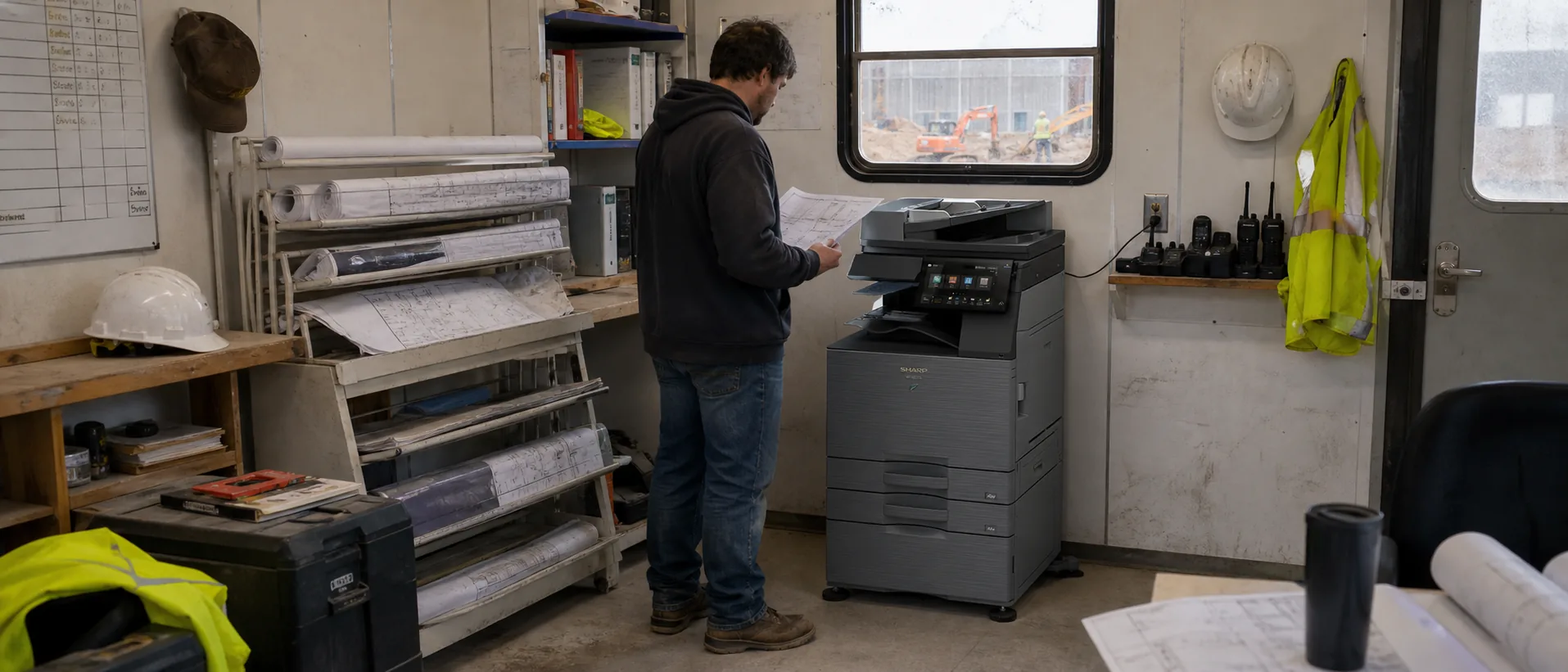
The model name is only the beginning. Paper options, feeders, finishers, security, installation and service structure can change both price and day-to-day usefulness.
Use the current office copier FAQ library alongside focused guidance on Should I choose a color or black-and-white office copier, How long should an office copier lease be, What questions should I ask an office copier dealer and How many pages per minute do I need in an office copier before comparing this brand’s proposals.
Why businesses consider Sharp office copiers
Sharp office copiers are often considered by teams that value an approachable touchscreen, flexible paper handling and direct connections between paper documents and common business applications. The BP Series covers color and monochrome multifunction printers for workgroups and busier departments, with configurations that can add faster scanning, larger paper capacity, folding or booklet finishing and cloud connections. Sharp also emphasizes features such as Smart Scan, Microsoft-oriented integrations and access to services including OneDrive, SharePoint, Teams and Google Drive on supported configurations.
Security and workflow integration are central Sharp selling points rather than afterthoughts. Sharp promotes layered device and network controls, encryption for stored and transmitted information, optional malware protection on many models and Sharp OSA integration for document-management, accounting and access-control applications. That combination can be attractive to schools, government offices, healthcare organizations and businesses already invested in Microsoft or cloud-based workflows. When comparing Sharp copier leases or purchase proposals, verify the installed options, supported connectors and whether the authorized dealer can maintain both the MFP and its software integrations.
Before choosing a model, compare realistic Sharp copier prices, the long-term difference between leasing or buying a Sharp copier, and whether a broader managed print service would improve fleet support. Price requests should specify color or black-and-white output, A3 or A4 paper, monthly volume, scanning, finishing, security and service expectations so every provider quotes the same requirement.
Sharp Commercial Copier Models
Compare three leading Sharp commercial copiers.
Review business fit, features, ballpark purchase prices, estimated lease ranges and direct peer-model comparisons.
See the Top 3 Sharp ModelsHow to compare a Sharp proposal
- Confirm recommended volume.Use average and peak demand, not only the maximum duty-cycle number.
- List every accessory.Feeders, trays, finishers, fax and workflow options should be itemized.
- Separate equipment and service.Understand the machine payment, base service, included pages and overages.
- Test the workflow.Review scanning, authentication and document handling with real examples.
- Evaluate the dealer.Ask who performs service, stocks parts and manages escalation.
Sharp Copier Buying and Leasing Questions
- Is this model current, outgoing or previously placed?
- Which functions are standard and which require licenses?
- What is included in installation and user training?
- How are supplies and service requests handled?
- What happens at lease end?
- How will stored data be removed when the copier leaves?
Product-family names are checked against the official Sharp product catalog. Pricing and availability vary by configuration and provider.
Get Sharp Copier Prices
Include volume, paper, scanning, finishing and service requirements.