
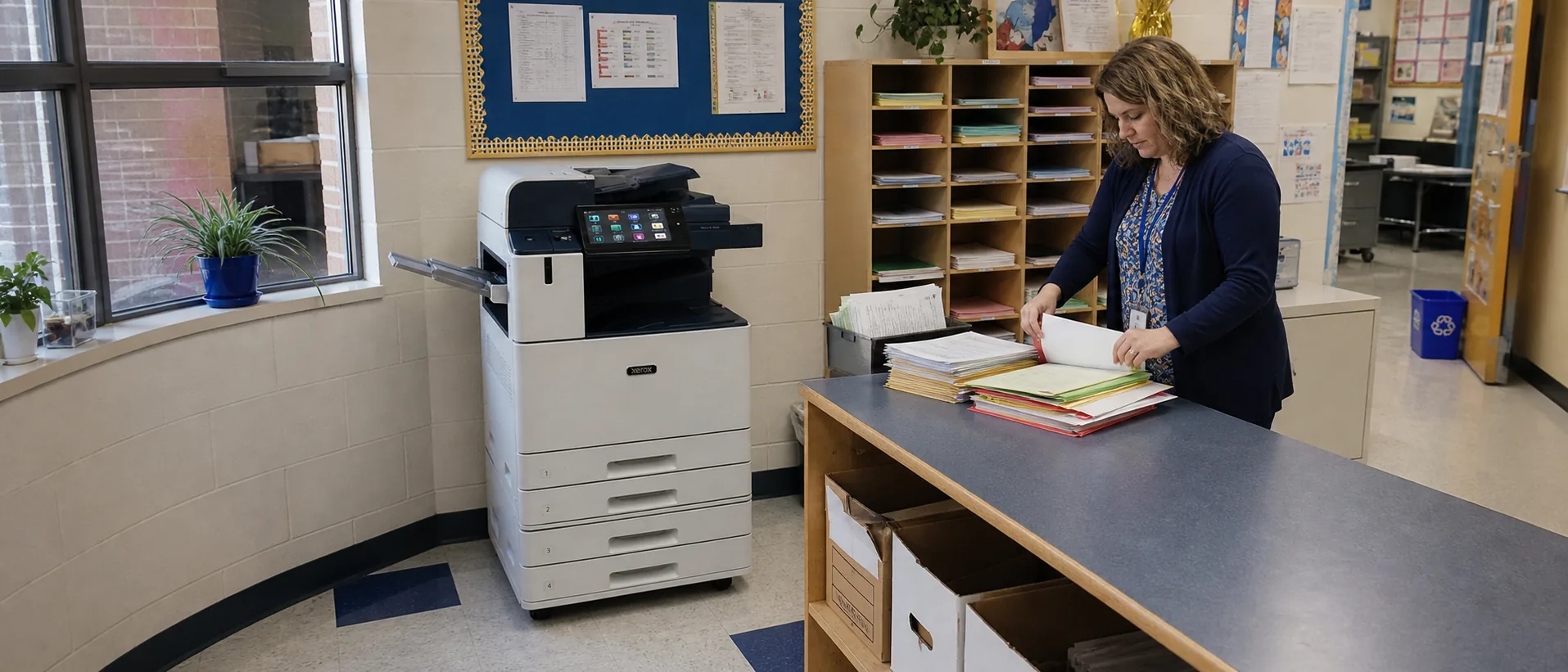
The model name is only the beginning. Paper options, feeders, finishers, security, installation and service structure can change both price and day-to-day usefulness.
Use the current office copier FAQ library alongside focused guidance on What are the hidden costs of a copier lease, What size office copier do I need, Should I buy a new or used office copier and What security features should an office copier have before comparing this brand’s proposals.
Why businesses consider Xerox office copiers
Xerox remains a familiar choice for companies that want office printing tied closely to digital document workflows. VersaLink multifunction printers are commonly evaluated for workgroups, while AltaLink color copiers and monochrome systems are aimed at larger teams with more demanding scanning, finishing and device-management needs. A consistent ConnectKey-style experience, downloadable workplace apps and connections to cloud or mobile workflows can be valuable when employees need to capture, route, share and print information without adding a separate process for every department.
The Xerox value proposition is strongest when a business evaluates the software and security layer with the hardware. Xerox publishes product-specific security guidance and offers tools for authentication, mobile printing, fleet visibility and workflow automation. Those capabilities can suit distributed offices, legal and financial teams, schools and other environments where document handling extends beyond making copies. The final decision should still account for the Xerox dealer or service provider, because uptime, toner fulfillment and contract response can have more operating impact than a small difference between two machine specifications.
Before choosing a model, compare realistic Xerox copier prices, the long-term difference between leasing or buying a Xerox copier, and whether a broader managed print service would improve fleet support. Price requests should specify color or black-and-white output, A3 or A4 paper, monthly volume, scanning, finishing, security and service expectations so every provider quotes the same requirement.
Xerox Commercial Copier Models
Compare three leading Xerox commercial copiers.
Review business fit, features, ballpark purchase prices, estimated lease ranges and direct peer-model comparisons.
See the Top 3 Xerox ModelsHow to compare a Xerox proposal
- Confirm recommended volume.Use average and peak demand, not only the maximum duty-cycle number.
- List every accessory.Feeders, trays, finishers, fax and workflow options should be itemized.
- Separate equipment and service.Understand the machine payment, base service, included pages and overages.
- Test the workflow.Review scanning, authentication and document handling with real examples.
- Evaluate the dealer.Ask who performs service, stocks parts and manages escalation.
Xerox Copier Buying and Leasing Questions
- Is this model current, outgoing or previously placed?
- Which functions are standard and which require licenses?
- What is included in installation and user training?
- How are supplies and service requests handled?
- What happens at lease end?
- How will stored data be removed when the copier leaves?
Product-family names are checked against the official Xerox product catalog. Pricing and availability vary by configuration and provider.
Get Xerox Copier Prices
Include volume, paper, scanning, finishing and service requirements.