What to look for when buying a commercial office copier
When buying a commercial office copier, look for print speed matching your volume (30–70 ppm), color quality if needed, security features like encryption, energy efficiency for low bills, easy maintenance access, cloud/mobile integration, and strong warranty/support. Check total cost including toner yields and service contracts. Match to your size—small offices need compact models, large ones scalable systems. Get demos, read reviews, and compare leasing options. Focus on reliability from brands like Canon or Xerox to minimize downtime.
Last Updated: March 13, 2026
Related topics: what look for buying commercial copier, choose commercial office copier tips, print speed office copier buy, color quality copier buying, security features commercial copier, energy efficient copier look for, maintenance easy copier features, cloud integration office copier buy, mobile printing copier tips, warranty support copier buying, total cost ownership copier buy, finishing options copier look for, demo commercial copier buying, lease vs buy copier guide, best brand reliable copier purchase
Compare Copier Prices NowCopier questions that arise as employee count increases
Copier leasing questions frequently surface during office expansion or contract renewal. Print speed, duty cycle, color usage, and service response time all influence performance. Cost per page agreements frequently exceed base lease payments over a full contract term.
High-volume multifunction copiers often operate near continuous duty cycles. Copier clarity improves uptime and lifecycle value.
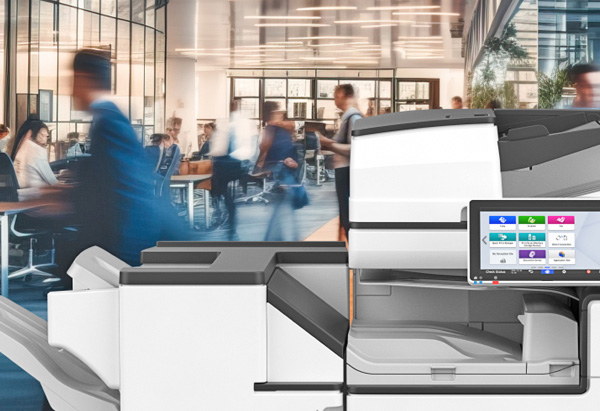
What to look for when buying a commercial office copier
Expert Answer: Buying a commercial office copier requires checking several key things to ensure it fits your workflow and budget. Print speed is essential—choose 25–40 ppm for small teams, 50–70+ for high volume to avoid backups. Color capability adds cost but is vital for marketing materials. Security features like user authentication, encrypted data, and secure print release protect sensitive info. Energy efficiency saves money—look for ENERGY STAR ratings and low sleep-mode power. Maintenance ease matters: models with long toner life, simple jam clearing, and predictive alerts reduce downtime. Cloud and mobile integration lets users print from anywhere with apps and services like Google Cloud. Warranty and support are crucial—3–5 years standard, with local service for quick fixes. Total ownership cost includes toner per page (aim for $0.01–$0.05), paper handling capacity, and finishing options like stapling. Get hands-on demos to test interfaces and output. Compare leasing vs buying—leasing offers flexibility. Reliable brands like Ricoh or HP minimize issues. The right copier boosts productivity without constant headaches.