
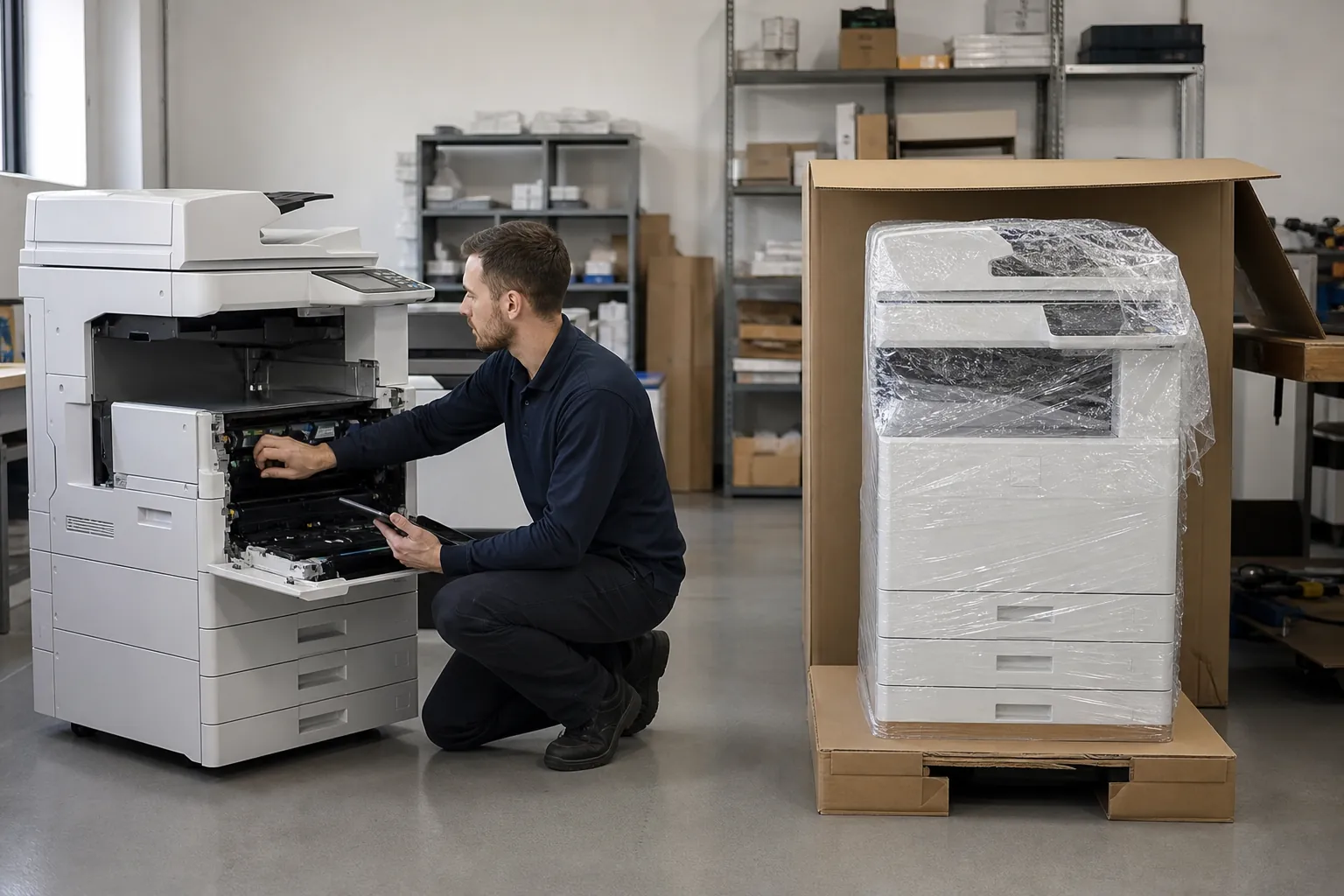
How do HP commercial office copiers perform for small offices
Collect meter readings, separate black-and-white and color volume, note peak jobs, count regular users and document paper, scan, finishing and security needs. Shortlist equipment designed for that workload, then compare the complete configuration and support plan.
Use this answer to define the requirement, expose meaningful differences among proposals and verify the equipment, service or contract term that supports each claim.
Measure office copier workload before selecting a model
Use several representative months of meter or print-management data. Separate black-and-white and color impressions, identify busy periods and include work currently outsourced. Maximum duty cycle is not a substitute for a recommended operating range.
Use the office copier sizing guide to structure the review.
Apply the answer to a smaller or growing business
Smaller organizations should protect cash without accepting an oversized machine or an inflexible term. Forecast near-term hiring, verify the minimum service charge and confirm whether the device can move, add paper capacity or support another workflow. Favor a clear configuration and responsive support over features no one will administer.
Price the equipment around one clear workload.
Give providers the same volume, paper, scanning, finishing and service brief.
Prove the answer with a realistic copier test
Use an ordinary document and the proposed configuration—not a showroom file or a different model. Reproduce the paper, scan destination, user permissions and finishing involved in this question. Record speed, intervention, output and any option or license required. A short witnessed test converts a sales statement into evidence the implementation team can use.
Define an acceptance test before delivery
Write the small set of results that must work on installation day: required paper, authenticated printing, scan destinations, finishing, reporting or another critical task. Use named users and real documents. Hold configuration and training open until the test passes, and retain the record with the equipment schedule.
Put the promise into the equipment and service proposal
Require the provider to identify the model, accessory, setting, software, service obligation or contract clause that makes the answer true. Put recurring subscriptions and exclusions beside the equipment price. If the result depends on work after delivery, assign the responsible party, completion date and acceptance test before approving the proposal.
Connect this answer to the complete copier decision
Research how do hp commercial office copiers perform for small offices alongside the office copier prices guide, copier lease versus buy comparison, Office Copier Buyer’s Guide, current copier brand guide and local copier pricing directory. Use the office copier answer library for narrower contract and feature questions, then carry one consistent requirement into the copier quote request.
- Average and peak monthly pages
- Users and typical job size
- Color and paper-size requirements
- Scanning and finishing workflow
- Security and administration
- Complete equipment and service cost
Related buyer questions worth resolving
Closely connected decisions include Should I buy a new or used office copier, What security features should an office copier have, What is copier cost per page and What is the difference between a copier and a multifunction printer. Resolve them before comparing final proposals so price, capacity, service and contract assumptions stay aligned.